Call us now :08045477703
 Send Inquiry
 Send Inquiry
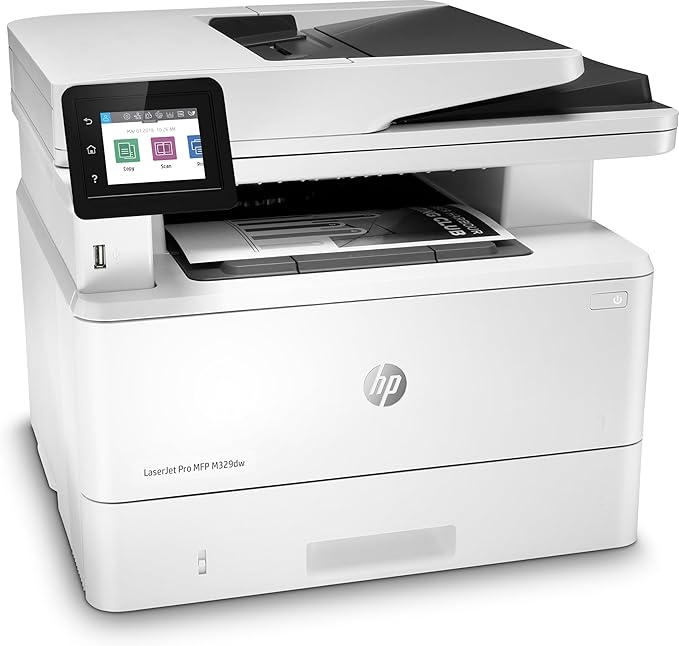
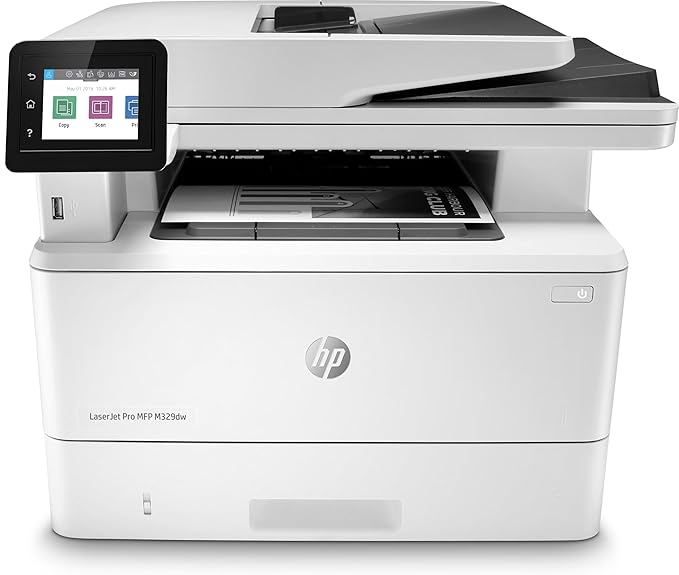
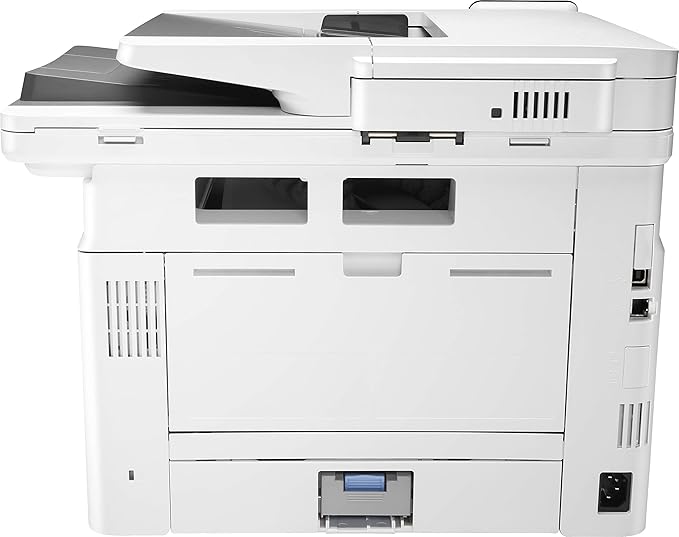
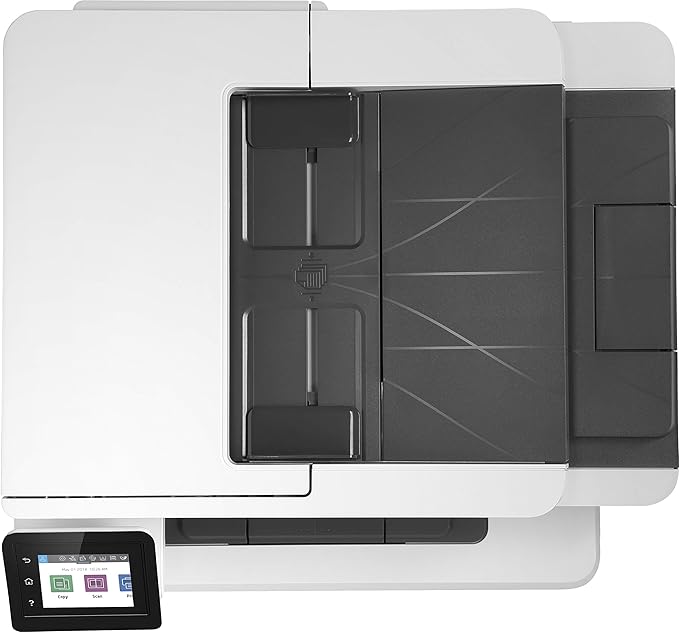
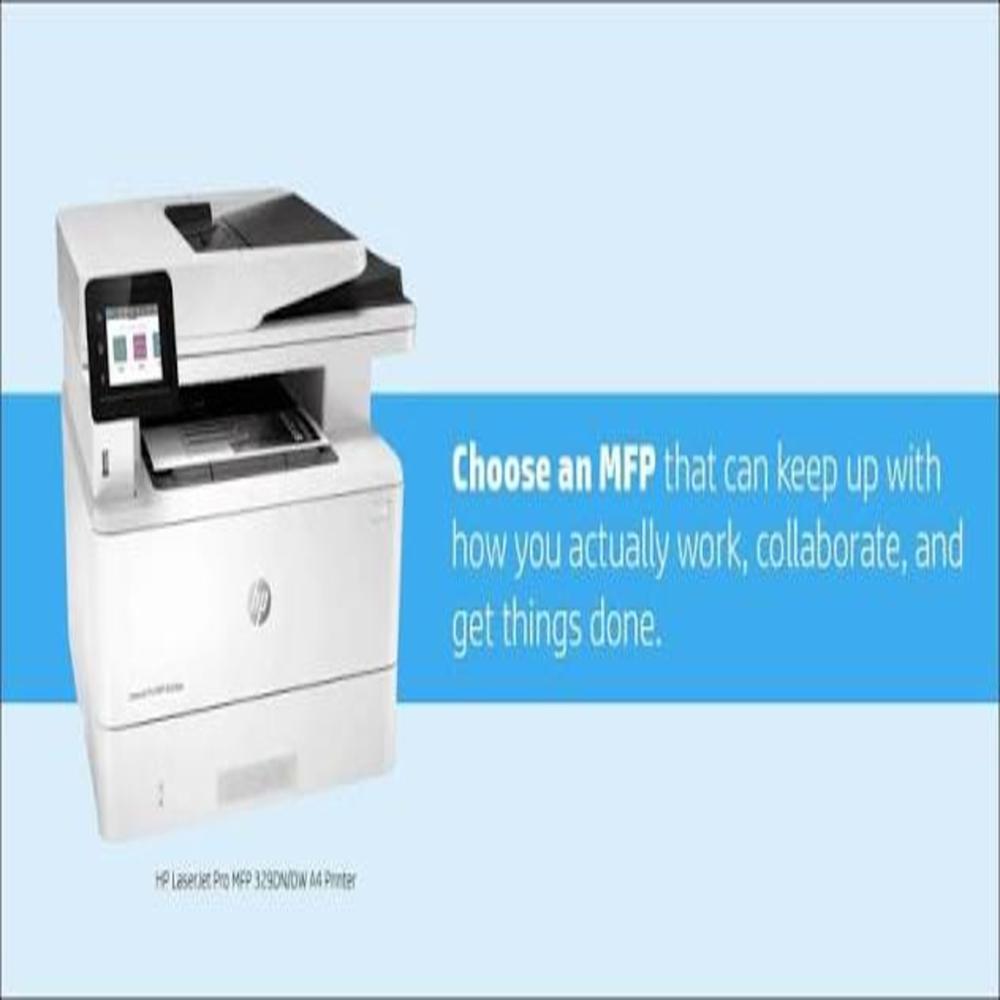
HP Laserjet Pro Mfp M329Dw Wireless Monochrome Laser
Price 25000.0 INR/ Unit
MOQ : 1 Unit
HP Laserjet Pro Mfp M329Dw Wireless Monochrome Laser Specification
- Compatible Brand
- Formatter Board
- Color
- Black , white
- Ink Type
- black toner HP 77A , HP 77X
- Height
- 32.3 Centimeter (cm)
- Printing Speed
- 35 ppm PPM
- Power Source
- Input Voltage: 220 240 V AC at 50/60 Hz
- Connectivity Type
- Wi-Fi , Ethernet
- Product Type
- Multifunction (MFP) Monochrome Laser Printer.
- Model No
- m329dw
- Print Technology
- Laser
- Pattern
- print the built-in Print Quality Diagnostic Page.
- Noise Level
- 53 dB db
- For Use In
- home offices or small-to-medium businesses
- Capacity
- 17.1 kg Kg
- Lead Time
- 35 ppm
- Year Built
- 2019 Years
- Weight
- 17.1kg Kilograms (kg)
- Outer Diameter
- 42.0 cm in width, 39.0 cm in depth, and 32.3 cm in height. Centimeter (cm)
- Printer Type
- A4 monochrome (black and white) laser multifunction printer (MFP).
- Features
- automatic two-sided printing, robust mobile connectivity, and speeds of up to 35 pages per minute.Key Features
- Size
- A4
- Inner Diameter
- Laser printers do not feature "inner diameter" measurements. If you are referring to the printer's overall footprint, the HP LaserJet Pro MFP M329dw measures 42.0 W 39.0 D 32.3 H cm Centimeter (cm)
- Paper Size
- A4 centimetres
HP Laserjet Pro Mfp M329Dw Wireless Monochrome Laser Trade Information
- Minimum Order Quantity
- 1 Unit
- FOB Port
- Easy-Access USB Port
- Payment Terms
- Cash Against Delivery (CAD)
- Supply Ability
- 1 Unit Per Day
- Delivery Time
- 1 Days
- Sample Available
- No
- Sample Policy
- Free samples are available
- Packaging Details
- no
- Main Export Market(s)
- Asia
- Main Domestic Market
- All India
- Certifications
- no
HP Laserjet Pro Mfp M329Dw Wireless Monochrome Laser About
The HP LaserJet Pro MFP M329dw is a fast, reliable all-in-one monochrome laser printer designed for busy home offices and small workspaces. It streamlines daily document workflows by combining heavy-duty printing, copying, scanning, and faxing into a compact, network-ready device. [1, 2, 3, 4]
Key Specifications & Features
- Functions: Print, Copy, Scan, and Fax
- Print Speed: Up to 35 pages per minute (ppm)
- Print Quality: Up to 4800 600 dpi (HP FastRes1200) for crisp, professional text
- Auto-Duplex: Automatic two-sided printing and scanning to save time and paper
- Paper Capacity: 350 sheets standard (expandable up to 900 sheets with optional trays)
- Connectivity: Built-in dual-band Wi-Fi, Wi-Fi Direct, Bluetooth Low Energy, Gigabit Ethernet, and Hi-Speed USB 2.0
- Mobile Printing: Supports Apple AirPrint, Mopria, and the HP app
- Display: 2.7-inch intuitive color touchscreen for easy navigation [1, 2, 3, 4, 5]
Why It Stands Out
- High Efficiency: Features an 80,000-page maximum monthly duty cycle, making it ideal for high-volume environments.
- Security: Equipped with dynamic security and embedded security features to protect sensitive data.
- Workflow Automation: Allows users to scan files directly to SharePoint, email, USB, or network folders. [1, 2, 3, 4]
For official specs, driver downloads, or to purchase, you can visit the HP LaserJet Pro MFP M329dw Store Page.
Optimized Performance for Busy Environments
With a print speed of 35 ppm and automatic duplexing, the HP LaserJet Pro MFP M329Dw caters to demanding home offices and small-to-medium businesses. Its compact footprint and efficient mono printing allow users to handle large workloads without sacrificing quality or space.
Reliable Connectivity and Compatibility
This printer offers both Wi-Fi and Ethernet options, ensuring seamless integration with existing networks and mobile devices. It supports various operating systems, making it easy to print from smartphones, tablets, and computers without hassle.
User-Friendly Operation and Maintenance
Featuring an intuitive control panel and straightforward maintenance procedures, the LaserJet Pro MFP M329Dw streamlines your printing experience. Cartridges are easy to replace with compatible models like HP 77A and 77X, and built-in diagnostic tools help monitor printer health.
FAQ's of HP Laserjet Pro Mfp M329Dw Wireless Monochrome Laser:
Q: How do I set up wireless connectivity on the HP LaserJet Pro MFP M329Dw?
A: To set up wireless connectivity, use the printer's control panel to navigate to Network Settings, select Wi-Fi, and follow the prompts to connect to your home or office wireless network. Detailed setup instructions are provided in the user manual or the HP Smart App.Q: What types of paper sizes does the HP M329Dw support?
A: The printer is optimized for A4-size paper, which is commonly used in home and business environments. Ensure the paper meets recommended specifications for best results.Q: When should I replace the toner cartridge in my HP LaserJet Pro MFP M329Dw?
A: Replace the toner cartridge when print quality decreases or when the printer displays a 'low toner' warning. Compatible black toner options include HP 77A and 77X cartridges.Q: Where can I locate the printer's diagnostic tools?
A: The built-in Print Quality Diagnostic Page and other maintenance tools can be accessed via the control panel menu, under the 'Reports' or 'Maintenance' section, to diagnose and troubleshoot print quality issues.Q: What is the process for enabling automatic two-sided printing?
A: Automatic two-sided (duplex) printing is enabled by default. You can adjust this setting in the printer's control panel or during the setup within print preferences on your computer.Q: How does the HP M329Dw benefit small business operations?
A: Its robust printing speed, automatic duplexing, reliable wireless connectivity, and compact design help boost office productivity and efficiency while saving space and reducing operating noise.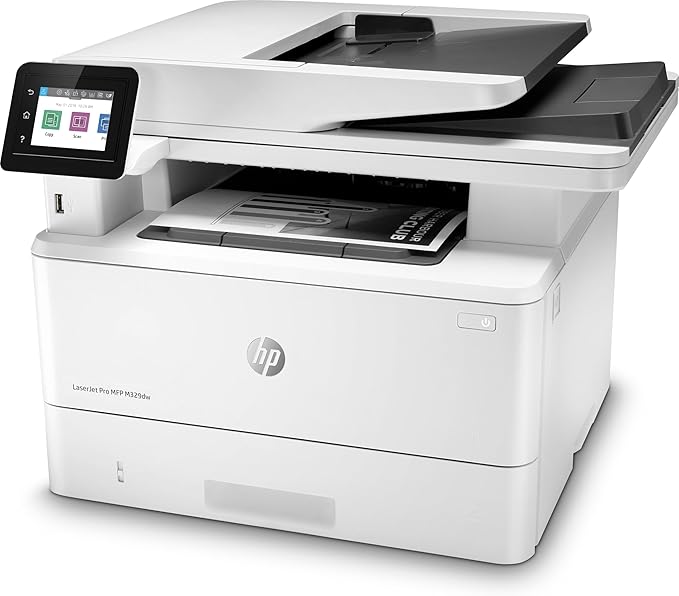
Tell us about your requirement

Price:
Quantity
Select Unit
- 50
- 100
- 200
- 250
- 500
- 1000+
Additional detail
Mobile number
Email

More Products in Printer Cartridges Category
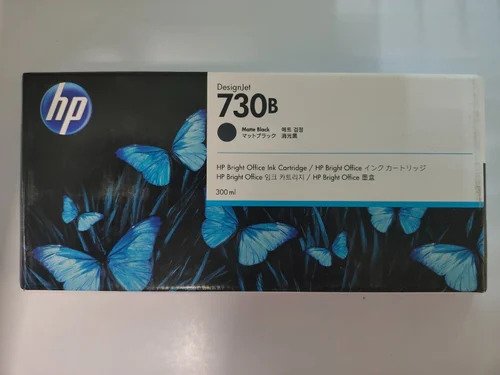
Hp 730 300 Ml Matte Black Cartridge
Price 8000 INR / Piece
Minimum Order Quantity : 20 Pieces
Product Type : Original
Color : Matte Black
Ink Type : Pigmentbased
For Use In : HP DesignJet Series
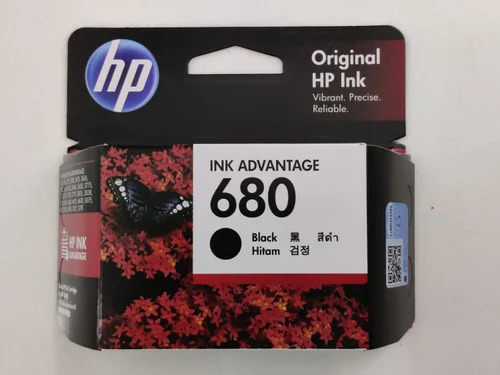
Hp 680 Black Ink Cartridge
Price 700 INR / Piece
Minimum Order Quantity : 100 Pieces
Product Type : Original
Color : Black
Ink Type : Pigmentbased
For Use In : Deskjet Printer Series
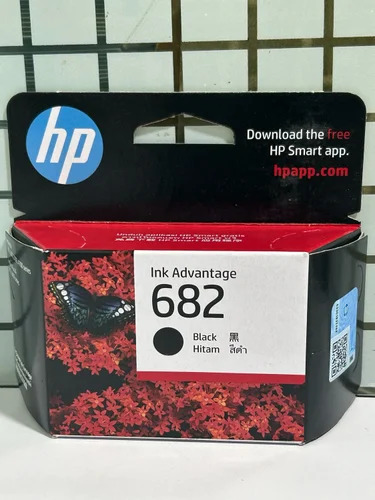
Hp 682 Black Ink Cartridge
Price 700 INR / Piece
Minimum Order Quantity : 100 Pieces
Product Type : Original
Color : Black
Ink Type : Pigmentbased
For Use In : HP DeskJet Series
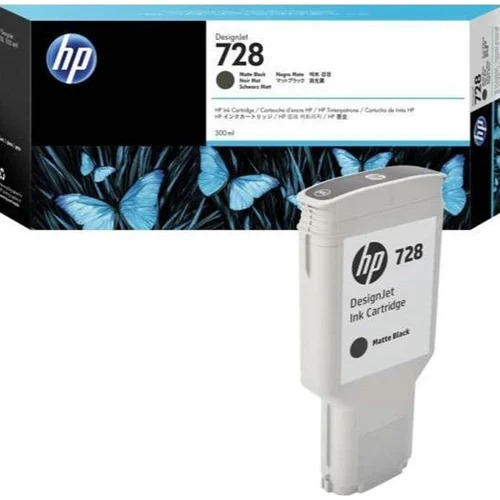
Hp 728 Ink Cartridge 300 Ml Matte Black
Price 11700 INR / Piece
Minimum Order Quantity : 20 Pieces
Product Type : Original
Color : Matte Black
Ink Type : Pigmentbased
For Use In : DesignJet

 Send Inquiry
Our Products

610, 6th Floor, Devika Tower, Nehru Place,New Delhi - 110019, India

 Send Inquiry
Developed and Managed by Infocom Network Private Limited.
